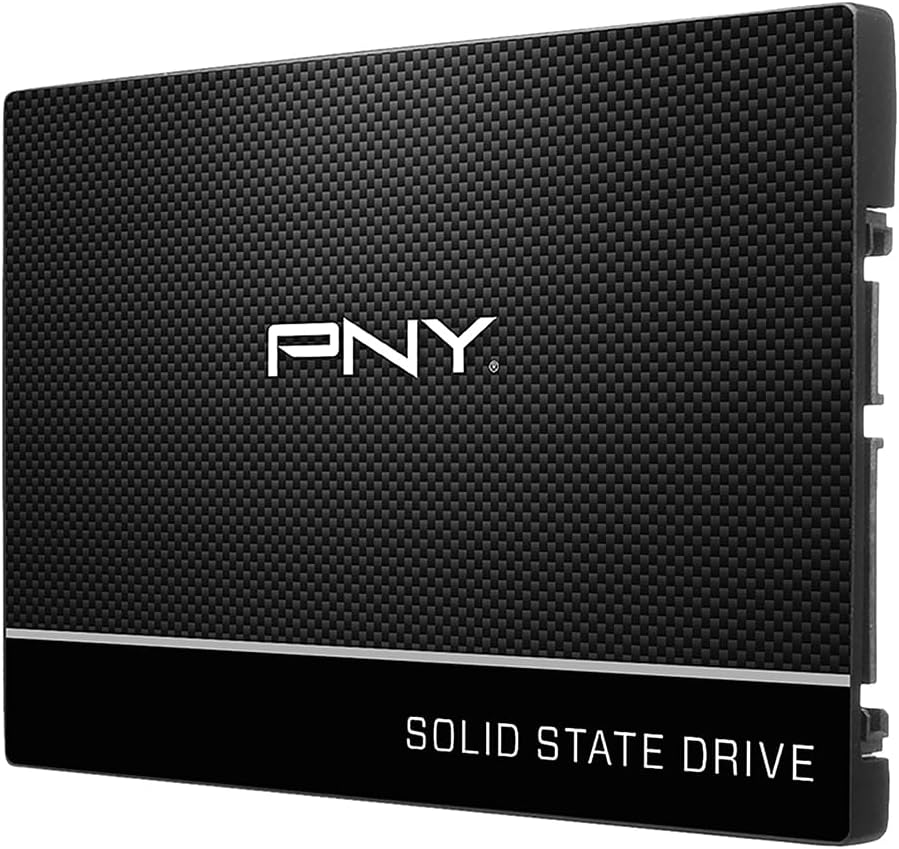
PNY CS900 500GB 2.5" SATA III Internal SSD
4.7Editor score
500GB usable storage capacity
Up to 550MB/s sequential reads
Up to 500MB/s sequential writes
SATA II backward compatible
Replacing a laptop hard drive with an SSD can transform boot times, application loading, and overall responsiveness while reducing heat, noise, and power use. A good upgrade must match your laptop’s storage interface, physical bay, and capacity needs while providing dependable endurance and software support.
This guide compares ten internal solid state drives across the key considerations for a laptop installation: interface, form factor, capacity, sequential performance, NAND type, thermal behavior, compatibility, warranty, and management features. It includes mainstream SATA choices, higher-capacity alternatives, and a PCIe 4.0 x4 model for compatible modern laptops.
The rankings reflect the supplied specifications, customer ratings, and practical fit for laptop upgrades rather than a claim of personal testing. Each review explains where the drive is strongest, where limitations may apply, and who is most likely to benefit. Availability and pricing can change, so confirm current specifications and costs before purchasing.
4.7Editor score

4.8Editor score

4.8Editor score
As an Amazon Associate we earn from qualifying purchases.
The table below compares the ten drives by capacity, interface, stated performance, and physical format. It makes clear which models suit traditional SATA laptop bays and which require an M.2 slot with PCIe support.

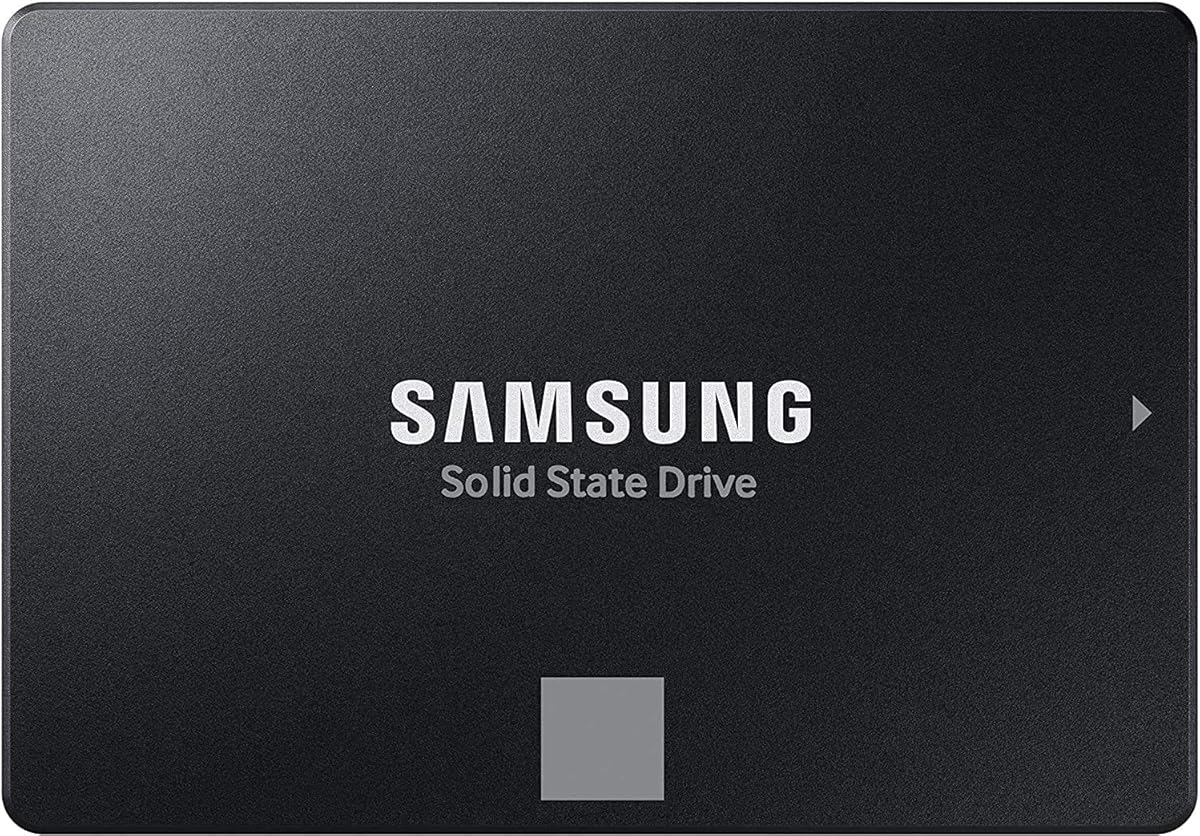

The Samsung SSD 870 EVO SATA III 2.5” 1TB earns a 4.8 rating and stands out as the most balanced option in this guide. It combines a useful one-terabyte capacity with sequential performance of up to 560MB/s read and 530MB/s write, making it appropriate for an operating system, applications, games, and a working library of files.
We may earn a commission when you buy through this link, at no additional cost to you.
Its strengths go beyond headline speed. Samsung describes the drive as designed for demanding workloads, including high-end PCs, workstations, and NAS environments, while a larger variable buffer supports more consistent write performance. S.M.A.R.T. support, AES 256-bit encryption, TCG/Opal, and IEEE 1667 compatibility add useful options for system management and data protection.
The main limitation is physical format. This is a 2.5-inch SATA drive, not an M.2 module, so it requires a laptop with a 2.5-inch storage bay and SATA connection or a suitable caddy. It also reaches the practical ceiling of the SATA interface, meaning a compatible PCIe laptop cannot exploit the raw bandwidth available from the 990 EVO Plus.
For a laptop owner who wants generous capacity, strong SATA performance, recognized software support, and straightforward installation, the 870 EVO 1TB is an excellent recommendation. It is particularly well suited to users who want to preserve a conventional drive bay but still benefit from the responsiveness and durability associated with solid state storage.
The sequential ratings indicate a capable SATA drive, and solid state storage should materially improve system responsiveness compared with a mechanical hard drive. The result is a more practical upgrade for web browsing, office work, media libraries, and everyday application use.
A 1TB configuration offers enough room for the operating system, frequent applications, and a substantial personal file collection. It also reduces the likelihood that a full drive will begin affecting updates or temporary-file operations.
We may earn a commission when you buy through this link, at no additional cost to you.
The PNY CS900 500GB 2.5" SATA III Internal SSD has a 4.7 rating and represents a compelling capacity-and-performance balance for value-focused laptop upgrades. It delivers sequential performance up to 550MB/s read and 500MB/s write while offering enough capacity for an operating system, core applications, and a selective collection of larger files.
We may earn a commission when you buy through this link, at no additional cost to you.
PNY emphasizes fast operating-system boot and application loading, as well as low power consumption. Those qualities matter in a portable computer because the absence of spinning parts can also contribute to quiet operation. Backward compatibility with SATA II 3Gb/s broadens the range of systems that may be able to use the drive, subject to proper bay and connector support.
Its most obvious compromise is capacity. A 500GB drive can fill quickly with large games, high-resolution media, development environments, or synchronization archives. The drive also cannot exceed the limits of a SATA connection, so buyers should not mistake its listed speed for PCIe-level throughput.
This is a strong recommendation for a student, office worker, or general home user who wants a meaningful performance upgrade without moving to a premium model. Verify that the laptop has a suitable 2.5-inch SATA bay and budget for the transfer process, a cloning adapter if needed, and reinstallation of the operating system.
The 500GB version is a useful middle ground when a 250GB drive feels cramped and a 1TB model is unnecessary. It can serve as a daily system drive while keeping larger archives on external storage or another partition.
Low power consumption is particularly relevant when upgrading a notebook. A SATA SSD uses substantially different operating characteristics from a mechanical drive, and PNY positions this model for both laptop and desktop installations.
We may earn a commission when you buy through this link, at no additional cost to you.
The Samsung SSD 990 EVO Plus 2TB has a 4.8 rating and delivers the highest stated performance in this roundup. Its PCIe 4.0 x4 interface supports sequential speeds of up to 7,250MB/s read and 6,300MB/s write, while its 2TB capacity is suited to large game libraries, creative project files, and intensive workflows.
We may earn a commission when you buy through this link, at no additional cost to you.
The supplied specifications also highlight Intelligent TurboWrite 2.0, improved large-file performance, and a nickel-coated controller designed to improve efficiency and thermal behavior. Samsung Magician Software adds firmware updates, encryption options, and continual drive-health monitoring, giving owners a supported management path after installation.
Compatibility is the decisive issue. A laptop must offer an M.2 2280 slot with PCIe 4.0 x4 support, and its physical space must accommodate the module without conflicting with other components. Even in a compatible system, sustained heavy workloads may cause thermal throttling, so the advertised peak should not be treated as a permanent speed under every workload.
Choose the 990 EVO Plus when high bandwidth, high capacity, and premium management features justify the higher tier. It is an excellent fit for a modern performance laptop used for large transfers, demanding applications, gaming, or content creation. It is not the right choice for a laptop limited to a 2.5-inch SATA bay.
The enormous difference between PCIe 4.0 x4 and SATA bandwidth can be valuable when moving large project files or working with storage-intensive applications. The largest gains are most likely in systems that genuinely support the required interface.
Samsung highlights the efficiency-boosting nickel-coated controller and exceptional thermal control. These features help the drive sustain strong performance in compact laptops where cooling space is limited.
We may earn a commission when you buy through this link, at no additional cost to you.
The PNY CS900 1TB 2.5" SATA III Internal SSD carries a 4.7 rating and gives laptop users a generous amount of storage at the upper end of the traditional SATA category. Stated sequential performance reaches up to 535MB/s read and 515MB/s write, which is sufficient to make a conventional SATA system feel much more responsive than one using a hard disk drive.
We may earn a commission when you buy through this link, at no additional cost to you.
The key attraction is capacity. One terabyte is a practical target for users who want room for a full operating system, many applications, games, and work documents without constantly managing storage limits. PNY also highlights ultra-low power consumption, a useful characteristic for notebooks that spend much of the day away from an outlet.
The drive is not the fastest option here, and its 2.5-inch SATA format cannot be installed directly into an M.2 bay. Compatibility with older SATA II connections is stated, but buyers still need a suitable drive connector, mounting area, and enough clearance for the enclosure. A firmware or mounting-bracket requirement may also apply depending on the laptop design.
This model is a sensible recommendation for someone who prioritizes usable capacity and a value-focused SATA upgrade over premium management software or the very highest interface speed. Confirm the laptop’s storage layout before buying, and allow time to clone or reinstall the operating system and applications.
A 1TB capacity gives users flexibility to keep large application sets, game installations, and current projects on the internal drive. That avoids the frequent cleanup associated with a smaller system disk.
The stated speeds approach the interface’s practical ceiling. Although they do not match PCIe 4.0 x4 drives, they are more than sufficient for improving responsiveness in a laptop built around SATA storage.
We may earn a commission when you buy through this link, at no additional cost to you.
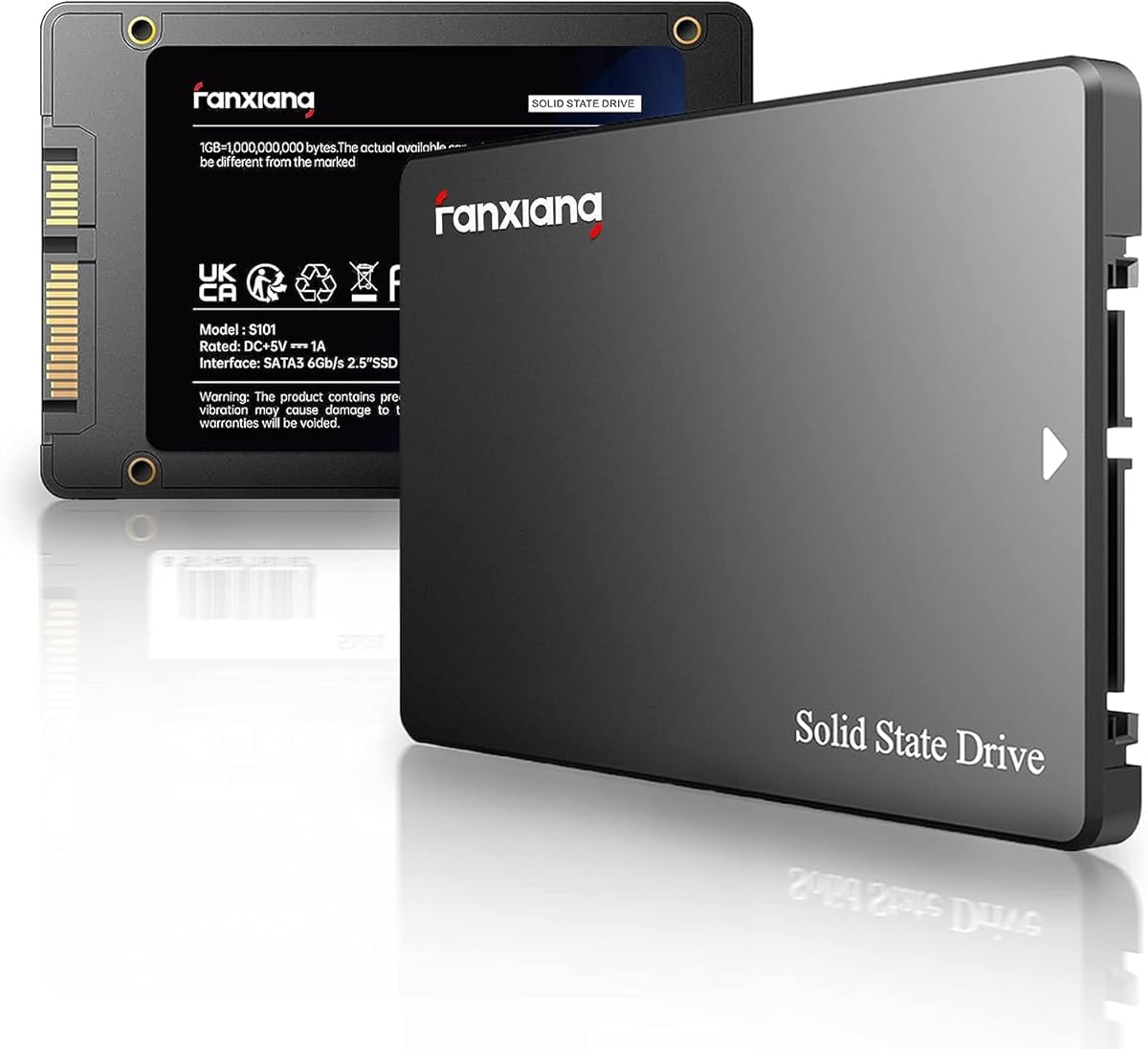
The fanxiang S101 1TB SSD SATA SSD 1TB Internal Solid State Drive SATA III 6Gb/s 2.5" SSD, UP to 520MB/s, 3D NAND TLC, Upgrade Laptop PC and Desktops has a 4.5 rating and combines a one-terabyte capacity with TLC NAND memory. TLC is often associated with better write endurance characteristics than lower-cost QLC alternatives, making the memory specification a notable strength.
We may earn a commission when you buy through this link, at no additional cost to you.
The drive lists a top speed of 520MB/s and is positioned for laptops, desktops, and all-in-one PCs. Its compatibility description includes Windows, Linux, and Mac OS, although users should still verify the laptop’s connector, bay, and operating-system installation requirements before purchasing.
Fanxiang claims the SATA SSD boots at least 50 percent faster than an HDD. The exact result depends on the starting system, storage configuration, and workload, so the number should be treated as a general marketing comparison rather than a guaranteed outcome for every laptop.
This is a compelling alternative for budget-conscious buyers who specifically want a large SATA drive with 3D NAND TLC rather than the smallest possible capacity. The three-year service and lifetime technical support add reassurance. It does not surpass the 870 EVO or 990 EVO Plus in performance or software support, but it can meet the basic needs of a straightforward storage refresh.
The stated use of 3D NAND TLC provides a useful differentiator for buyers concerned with write durability. The manufacturer explicitly describes it as offering a longer lifespan in writes compared with QLC.
Support for Windows, Linux, and Mac OS broadens the potential audience for the drive. Physical installation still depends on having the correct 2.5-inch SATA hardware and mounting arrangement.
We may earn a commission when you buy through this link, at no additional cost to you.
The KingSpec 1TB 2.5 SSD SATA III Internal – 550MB/s Read, 520MB/s Write with 3D NAND Flash, for Laptop & Desktop PC Upgrade earns a 4.5 rating and offers a strong combination of speed, capacity, and technical features. Its stated sequential throughput reaches 550MB/s read and 520MB/s write inside a conventional 2.5-inch SATA enclosure.
We may earn a commission when you buy through this link, at no additional cost to you.
The listed feature set is unusually broad for a value-oriented internal SSD. It includes wear leveling, garbage collection, over-provisioning, native command queuing, TRIM, and S.M.A.R.T. support. The drive is also described as shock resistant, anti-drop, quiet, and low power, which makes it relevant to mobile use and systems where drive noise would be distracting.
Compatibility is a strength, with Windows, DOS, Linux, and Unix listed and SATA Rev. 3.0 backward compatibility with SATA Rev. 2.0. The practical caveat is that software support is less visible than for Samsung models, and buyers who prioritize firmware updates, encryption interfaces, and health dashboards may prefer the 870 EVO.
The KingSpec is a good recommendation for a laptop user seeking a one-terabyte SATA drive with fast transfers and a broad feature set. Its three-year limited warranty and lifetime technical support provide useful buyer support. Confirm the physical bay and connector, and budget for the data-transfer process.
TRIM, wear leveling, garbage collection, over-provisioning, native command queuing, and S.M.A.R.T. support cover many standard SSD maintenance needs. Together, they help the drive maintain predictable behavior as it fills.
The absence of moving parts eliminates mechanical drive noise. Shock and vibration resistance also makes the drive a logical fit for a portable computer that may be carried between locations.
We may earn a commission when you buy through this link, at no additional cost to you.
The Samsung SSD 870 EVO SATA III 2.5” 2TB, Read Speeds Up to 560MB/s earns a 4.8 rating and is an excellent choice for users who need a large amount of storage without moving beyond the broadly compatible SATA interface. It reaches up to 560MB/s read and 530MB/s write while providing two terabytes of capacity.
We may earn a commission when you buy through this link, at no additional cost to you.
Endurance is a major strength. The product information lists performance for demanding tasks ranging from everyday computing to 8K video processing, with up to 2,400 TBW. Encryption support includes Class 0 AES 256, TCG/Opal v2.0, MS eDrive, and IEEE 1667, which is useful for professional or security-conscious installations.
Samsung has tested compatibility across major host systems and applications, including chipsets, motherboards, NAS devices, and video recorders. The interface works with SATA 6Gb/s and is backward compatible with 3Gb/s and 1.5Gb/s interfaces. It remains a physical 2.5-inch drive, however, so M.2-only laptops are out of scope.
This model makes the most sense for a workstation-style laptop, a large media library, or a user who wants years of storage in one conventional drive. Its premium tier makes it less compelling when only the operating system and a few applications need to be installed, but the 2TB capacity and endurance specification provide considerable long-term flexibility.
Two terabytes can hold extensive video, project files, applications, and backups locally. The stated suitability for demanding workloads makes this capacity more than an exercise in fitting files onto a drive.
The listed endurance rating and multiple encryption interfaces distinguish this model from many basic SATA SSDs. They are particularly relevant to professionals who regularly write large files or require controlled data access.
We may earn a commission when you buy through this link, at no additional cost to you.
The Samsung 870 EVO SATA SSD 250GB 2.5” Internal Solid State Drive, Upgrade Desktop PC or Laptop Memory and Storage for IT Pros, Creators, Everyday Users, MZ-77E250B/AM combines a 4.8 rating with a compact 250GB capacity. It is most appropriate as a dedicated system drive rather than a catch-all storage disk.
We may earn a commission when you buy through this link, at no additional cost to you.
Performance is excellent within SATA limits, with up to 560MB/s sequential reads and 530MB/s writes. A larger variable buffer is designed to improve sustained writes, while the stated endurance of up to 600 TBW under a five-year limited warranty provides useful confidence for regular system use.
Samsung Magician 6 assists with firmware, health monitoring, status checks, and performance management. Compatibility testing across chipsets, motherboards, NAS devices, and video recorders adds confidence for many system configurations. Encryption and drive-management options further distinguish it from entry-level alternatives.
The limitation is straightforward: 250GB can become restrictive once a modern operating system, updates, applications, and media are installed. Buyers should consider 500GB or 1TB if they expect to keep games or personal files locally. Within that constraint, this is a strong choice for a lightweight laptop build, a dedicated boot drive, or a secondary drive for fast scratch work.
The smaller capacity is less noticeable when the drive is used primarily for the operating system and essential applications. Keeping bulk media on another drive leaves this SSD focused on tasks that benefit from fast access.
Samsung Magician 6 gives owners a direct way to monitor drive health, check status, apply firmware, and manage performance. That support is one of the model’s most important distinctions from a basic upgrade drive.
We may earn a commission when you buy through this link, at no additional cost to you.
The Samsung SSD 870 EVO SATA III 2.5” 1TB, Read Speeds Up to 560MB/s stands out with a 4.8 rating, a one-terabyte capacity, and a strong feature set aimed at demanding users. Samsung describes it for gamers, professionals, high-end PCs, workstations, and NAS systems, while its standard 2.5-inch form remains accessible to many laptops.
We may earn a commission when you buy through this link, at no additional cost to you.
Up to 560MB/s read and 530MB/s write put it at the top of the SATA performance range. Its larger variable buffer is intended to maintain stronger performance during sustained writes, and the stated 600 TBW endurance under a five-year limited warranty makes it suitable for sustained professional workloads rather than only light office use.
The drive supports S.M.A.R.T. monitoring and AES 256-bit encryption through TCG/Opal and IEEE 1667. Samsung Magician 6 provides firmware updates, health monitoring, and status management. These features make the drive more attractive to IT professionals and creators who want a supported management tool available after purchase.
This is a top recommendation for a laptop that has a 2.5-inch SATA bay and users who want premium SATA features, dependable endurance, and a generous but manageable capacity. It offers a smoother upgrade path than a bare-bones SATA SSD, though buyers should compare the current cost with the 2TB model if they may exceed 1TB in the future.
The stated endurance figure gives the 1TB model a clear role in professional and enthusiast systems. It is a better fit for repeated heavy file work than treating the drive as disposable temporary storage.
S.M.A.R.T. support, hardware encryption, and Samsung Magician software create a more complete management package. These tools help users monitor condition, manage firmware, and configure protected storage.
We may earn a commission when you buy through this link, at no additional cost to you.
The TEAMGROUP T-Force Vulcan Z 1TB SLC Cache 3D NAND TLC 2.5 Inch SATA III Internal Solid State Drive SSD, PC Upgrade (Read/Write Speed up to 550/500 MB/s) T253TZ001T0C101 has a 4.6 rating and brings a distinctive gaming-oriented feature set. Its built-in SLC cache is designed to support more stable read and write performance during common operations.
We may earn a commission when you buy through this link, at no additional cost to you.
Stated sequential performance reaches 550MB/s read and 500MB/s write using 3D NAND TLC. The product information positions those speeds for game loading, 4K video editing, file transfers, and general operating-system responsiveness, all of which align well with a gaming-laptop upgrade.
Its 7mm slim 2.5-inch design should fit more laptop bays than thicker drives, although the laptop manufacturer’s dimensional specifications should still be checked. Shock and vibration resistance, silent operation, no moving parts, and lower power consumption are useful for a portable system.
This is a good recommendation for a gamer or creator who values a fast SATA interface, TLC memory, and a thin 2.5-inch form factor. Its stated three-year or TBW limited warranty requires consultation of the current official terms. It cannot provide PCIe 4.0 x4 bandwidth, so confirm that the target laptop’s performance needs align with SATA.
The built-in SLC cache is intended to keep frequently accessed and recently written data moving efficiently. It can be especially relevant to short, repeated operations common in gaming and general system use.
At seven millimeters, the drive is designed to fit many slim laptop storage bays. It remains essential to check mounting screw locations, cable routing, and clearance before purchase.
We may earn a commission when you buy through this link, at no additional cost to you.
The right laptop SSD depends on interface, dimensions, capacity, endurance, and the performance your workload actually requires. Checking these factors before ordering helps prevent an otherwise capable drive from becoming an incompatible or unsuitable upgrade.
Start by identifying whether the laptop accepts a 2.5-inch SATA drive, an M.2 SATA module, an M.2 NVMe module, or more than one of these options. The 2.5-inch models in this guide connect through SATA, while the Samsung 990 EVO Plus uses M.2 2280 and PCIe. A drive may have the right dimensions yet still be unable to communicate with the laptop if its protocol is unsupported.
Check the service manual, manufacturer support documentation, or the connector currently installed in the machine. Pay attention to both the physical slot and the supported protocol; M.2 is a shape, not a guarantee of NVMe compatibility.
Not every laptop that accepts a 2.5-inch drive can accommodate every thickness. Some require a specific drive cage, screw, connector, or adapter, and some contemporary notebooks reserve space only for a short M.2 module. The TEAMGROUP model is identified as 7mm slim, while the other 2.5-inch choices do not share an equally explicit thickness in the supplied data.
Before ordering, compare the manufacturer’s supported drive dimensions with the replacement. Also verify that the existing hard drive or SSD uses the same physical mounting pattern, because a connector that matches does not necessarily mean the bay geometry does.
Capacity should cover the operating system, applications, updates, temporary files, and the content you expect to keep locally. A 250GB drive can work well as a dedicated system disk, while 500GB provides more breathing room for typical use. The 1TB options suit larger game or media libraries, and 2TB models are appropriate for extensive archives and professional projects.
Avoid choosing by capacity alone. A larger drive that is too thin, uses an unsupported interface, or has inadequate endurance may be less suitable than a smaller compatible model. Consider how much of the available space you realistically need after installing the system and required software.
SATA III drives in this guide reach approximately 500MB/s to 560MB/s sequential read speeds, which is near the practical limit of the interface. The Samsung 990 EVO Plus uses PCIe 4.0 x4 and claims much higher sequential throughput. That difference matters most for large transfers and demanding storage workloads, not for every routine task.
Do not assume a laptop can use the maximum speed printed on the drive. Processor support, slot configuration, thermal limits, and the number of installed drives can affect the result. A modern NVMe laptop may still benefit from a suitable SATA SSD, but matching the interface is essential.
NAND type helps indicate write behavior and long-term suitability. The fanxiang and TEAMGROUP drives explicitly use 3D NAND TLC, while the Samsung 870 EVO series lists endurance figures including up to 600 TBW for the 1TB and 250GB models and up to 2,400 TBW for the 2TB version. The PNY and KingSpec information emphasizes 3D NAND without providing equally detailed endurance figures in the supplied data.
For a laptop that frequently writes large files, compiles projects, or handles sustained data churn, favor a model with a clear endurance specification and warranty. For general system use, all of the listed drives can serve as conventional internal storage, but endurance remains a useful differentiator.
Laptops are compact, and fast SSDs generate heat that must be dissipated by the chassis, heat spreader, and cooling system. The Samsung 990 EVO Plus specifically highlights a nickel-coated controller and exceptional thermal control, which is relevant in an M.2 slot without substantial cooling hardware. SATA drives generally create a different thermal and power profile, but still need adequate clearance.
A drive that is throttled may not maintain advertised performance during long transfers. Choose a model that fits without blocking airflow, use a manufacturer-approved mounting method, and avoid enclosing the drive in an unnecessarily thick adapter during normal mobile use.
Warranty and software can be as important as raw speed. The 870 EVO and 990 EVO Plus support Samsung Magician for firmware, health monitoring, encryption, and status checks. The fanxiang and KingSpec models list service or warranty support, while the TEAMGROUP model includes a three-year or TBW limited warranty whose latest terms should be verified.
Management software is particularly useful for business notebooks, creators, and users who want visibility into drive health. Buyers who never intend to check firmware or status can still benefit from a clearly defined warranty, but should save the documentation and understand the manufacturer’s support process.
An internal SSD may require cloning the existing drive or reinstalling the operating system. Before opening the laptop, create a complete backup, obtain the correct installation tools, and check the manufacturer’s procedure for touching sensitive components or invalidating the warranty. Some notebooks have proprietary storage adapters or mounting hardware that must be transferred from the old drive.
Plan for temporary storage if the existing drive cannot remain inside during the migration. Updating the operating system, installing essential drivers, and verifying sleep, display, battery, and cooling behavior afterward are important parts of completing the upgrade responsibly.
Begin with a complete backup of important files, followed by a review of the laptop manufacturer’s installation instructions. Confirm the correct drive format, connector, dimensions, and required mounting hardware. If cloning, use reliable migration software and ensure the destination has enough capacity for the data being transferred.
After installing the SSD, connect it using the approved SATA connector or insert the M.2 module at the angle specified by the service guide. Secure the drive without forcing it, restore any removed covers or brackets, and boot the system. Install the operating system or migration utility and verify that the new volume appears with the expected capacity.
Keep the drive comfortably below full capacity, install operating-system and firmware updates, and use the manufacturer’s monitoring software when available. Back up important data regularly, handle the module by its edges, and maintain airflow around the storage bay. If the drive becomes unusually slow, reports a health warning, or disappears, stop writing to it and investigate the connection, cooling, firmware, and drive health.
In most cases, yes. Moving from a mechanical hard drive to an SSD can improve boot time, application loading, file responsiveness, noise, and power efficiency. The gain is especially noticeable on an older laptop that was designed around a hard disk drive. A modern laptop with limited storage may still benefit, but compatibility and remaining battery condition can affect the overall value of the upgrade.
No, the physical size is only one requirement. The laptop must also support a 2.5-inch SATA drive and have a compatible connector, mounting point, and available clearance. Some laptops use a different SATA connector, a proprietary caddy, or a shorter drive. Check the service manual or manufacturer support documentation before ordering.
An M.2 NVMe drive can deliver substantially higher bandwidth when the laptop supports PCIe 4.0 x4, as illustrated by the Samsung 990 EVO Plus. However, a 2.5-inch SATA SSD remains a strong upgrade for a compatible laptop and may offer better availability at common capacity levels. The best choice depends on the slot, physical fit, thermal design, and workload.
A 250GB drive is most practical for the operating system and essential applications. A 500GB model offers more room for frequent use, while 1TB is a flexible choice for many people. A 2TB configuration is useful for large game libraries, video projects, and extensive local archives. Include room for updates and temporary files when assessing capacity.
Not always. You can clone the existing system if the laptop’s drive is visible to the migration software and the new SSD is at least as large as the source drive. Otherwise, you can install a fresh copy of Windows and restore your files and applications. A clean installation can also be useful when removing software or partition-layout problems from the old drive.
It can, because a solid state drive generally has different and often lower power demands than a mechanical hard drive. The actual result varies with the laptop, workload, power settings, drive capacity, and battery age. Storage is only one part of total consumption, so the improvement will be most noticeable in systems that spend considerable time doing disk-related work.
No. Compatibility comes first, followed by capacity, endurance, thermal behavior, warranty, and the nature of your workload. A fast PCIe drive will not improve a laptop that only supports SATA, and a 2.5-inch drive may be the only practical option in a tightly designed notebook. Choose the drive that fits the hardware and supports the workloads you actually use.
Consult the manufacturer’s service manual, support page, or hardware specifications for the exact laptop model. Look specifically for an M.2 slot and the supported protocol, such as NVMe PCIe or M.2 SATA. Some M.2 slots support only SATA, while others support both, so the physical connector alone does not settle the question.
The Samsung 870 EVO 1TB is the strongest all-around recommendation for a compatible 2.5-inch SATA laptop because it combines a 4.8 rating, strong sequential performance, useful encryption, endurance, and Samsung management software. The PNY CS900 500GB is a value-oriented alternative, while the Samsung 990 EVO Plus 2TB leads for modern laptops with M.2 2280 and PCIe 4.0 x4 support.
Prioritize the interface and physical fit before considering any other feature. Once those requirements are satisfied, choose enough capacity for your operating system and files, then evaluate NAND type, endurance, warranty, and thermal management. Larger drives are not automatically better if they cannot be installed, and premium speed is wasted when the laptop only supports SATA.
Finally, review the current specifications, warranty terms, compatibility guidance, and price for the exact model before purchasing. Storage markets and product listings change, so the information in this guide is a framework rather than a substitute for checking your laptop’s service documentation and the seller’s latest product details.